Every business expense needs proof. Without it, a cost you really paid may not count against your tax, and if the tax office ever asks questions, “I know I bought it” isn't an answer. The proof is usually a receipt or an invoice, and the hard part is never keeping one. It's finding the right one, months or years later.
This guide covers what a good record shows, how long to keep it, a filing system you can set up in an afternoon, and a short monthly habit that keeps it all in order.
What a good record shows
The US tax office, the IRS, lists what your supporting documents should show for a purchase or expense. The same list is a sensible standard wherever you are:
- Who you paid. The business or person's name.
- How much you paid.
- Proof that you paid. A card slip, a bank transfer, a cleared check.
- When. The date of the purchase.
- What it was for. Enough of a description to show it was for the business.
One document rarely shows all five. An invoice says what you bought but not that you paid; a bank statement shows the payment but not what it was for. The IRS notes that a combination of documents may be needed, so keep the invoice and make sure the payment is visible in your bank or card records.
How long to keep them
Each tax office sets its own minimum. These are the general rules for the three countries whose guidance we checked:
| Where | Who | Keep records for at least |
|---|---|---|
| United States | Most businesses and people | 3 years after filing the return |
| United States | If income was underreported by more than 25% | 6 years |
| United States | If you claim a bad debt or worthless securities | 7 years |
| United States | Employment tax records | 4 years after the tax was due or paid, whichever is later |
| United Kingdom | Limited companies | 6 years from the end of the last financial year they relate to |
| United Kingdom | Sole traders and partners | 5 years after the 31 January deadline for that tax year |
| Canada | Businesses | 6 years, in general |
Some situations need longer: property records, a return filed late, or an open inquiry. Lenders, insurers and landlords may also ask you to keep papers longer than the tax office does. Many businesses simply keep everything for seven years so they never have to work out which rule applies, and digital files make that easy.
Paper or digital?
Digital is easier to search, back up and hand to an accountant. The IRS accepts electronic records, as long as they meet the same requirements as paper ones: complete, readable, and able to show your income and expenses. Other tax offices have their own rules on digital copies, so check yours before you shred originals.
When you scan or photograph a receipt:
- Capture the whole thing, edges included, so nothing looks cut off.
- Make sure the name, date, amount and items are readable when you zoom in.
- Save it as a PDF or a photo in a format that will still open in ten years. PDF, JPG and PNG are safe.
- Keep a second copy somewhere else, such as a cloud drive, in case a laptop is lost.
A filing system that works
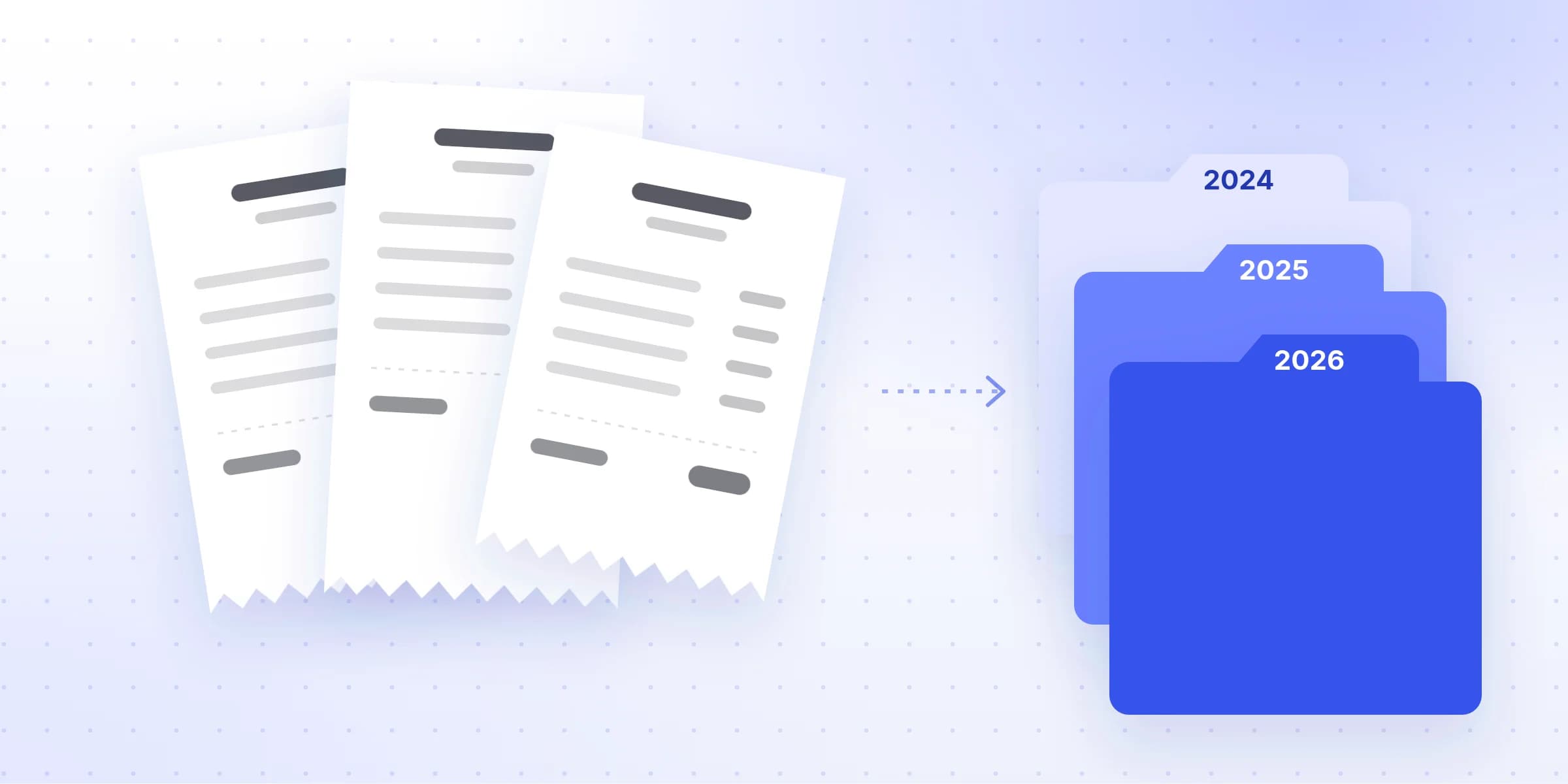
You don't need anything clever. A folder for each year, a folder for each month inside it, and a consistent file name is enough for most small businesses:
- Business records
- 2026
- 01 Januaryevery receipt and invoice from January
- 02 February
- 03 March
- 2026-03-02_City-Power_212.40.pdf
- 2026-03-14_Northwind-Paper_1204.20.pdf
- Tax returnseach year's return and what you sent with it
- 2026
Why months and not categories? Because your bank and card statements come by month, and matching against them is the easiest way to spot what's missing (more on that below). Categories like “travel” or “software” belong in your accounting software, which can sort and total them for you.
Then name every file the same way:
- Date
- Year first, so files sort in order
- Who you paid
- As it appears on the receipt
- Amount
- Easy to match to your bank statement
With the date first, files sort themselves into order. With the amount in the name, you can match a file to a bank line without opening it.
A 15-minute monthly routine
The secret is doing a little every month instead of a lot in a panic. Put a recurring reminder in your calendar for the first working day of each month, and work through these steps:
- 1
Gather last month's receipts
Check your email, your wallet, your car and your phone's photos. Scan anything on paper. - 2
Open your bank and card statements
The statement is your checklist: every business payment on it should have a matching receipt or invoice. - 3
Match each payment to its record
Tick off each line that has a file. Anything without one goes on a short list. - 4
Chase what's missing
Most suppliers can resend a receipt or invoice, and online accounts usually keep a copy you can download. - 5
File and back up
Name the files, put them in the month's folder, and make sure the backup has run.
When a receipt is missing
It happens to everyone. In order of preference:
- Ask for a copy. Suppliers, airlines, hotels and online shops can almost always resend one.
- Look in your online accounts. Many services keep every invoice under billing or order history.
- Write down what you know while you still remember it: the date, who you paid, the amount, and what it was for. Keep that note with the bank statement line, and ask your accountant whether it's enough for that expense.
If records are lost for good, the tax office will usually expect your best estimate, clearly marked as one. In the UK, for example, HMRC asks you to tell them when a return uses estimated or provisional figures.
Keep business and personal apart
The single change that makes all of this easier is a separate bank account and card for the business. Then every line on the business statement is a business expense that needs a record, and nothing personal gets mixed in. It also makes your accountant's job, and their bill, smaller.
Where Invoist fits
If you'd rather not do the naming and sorting by hand, Invoist can do the reading for you. Forward receipts and invoices to your own Invoist address, or upload photos and PDFs, and it fills in the supplier, date, amounts and tax, picks a category, and keeps the original file with them. You can export the lot as a file for your accountant, or send each one to QuickBooks, Xero or Zoho Books. See how Invoist reads invoices.